How Can I Turn My Own Art Into a Printed Nativity Scene to Sell?
A step-by-step guide to creating and selling seasonal paper crafts using AI.
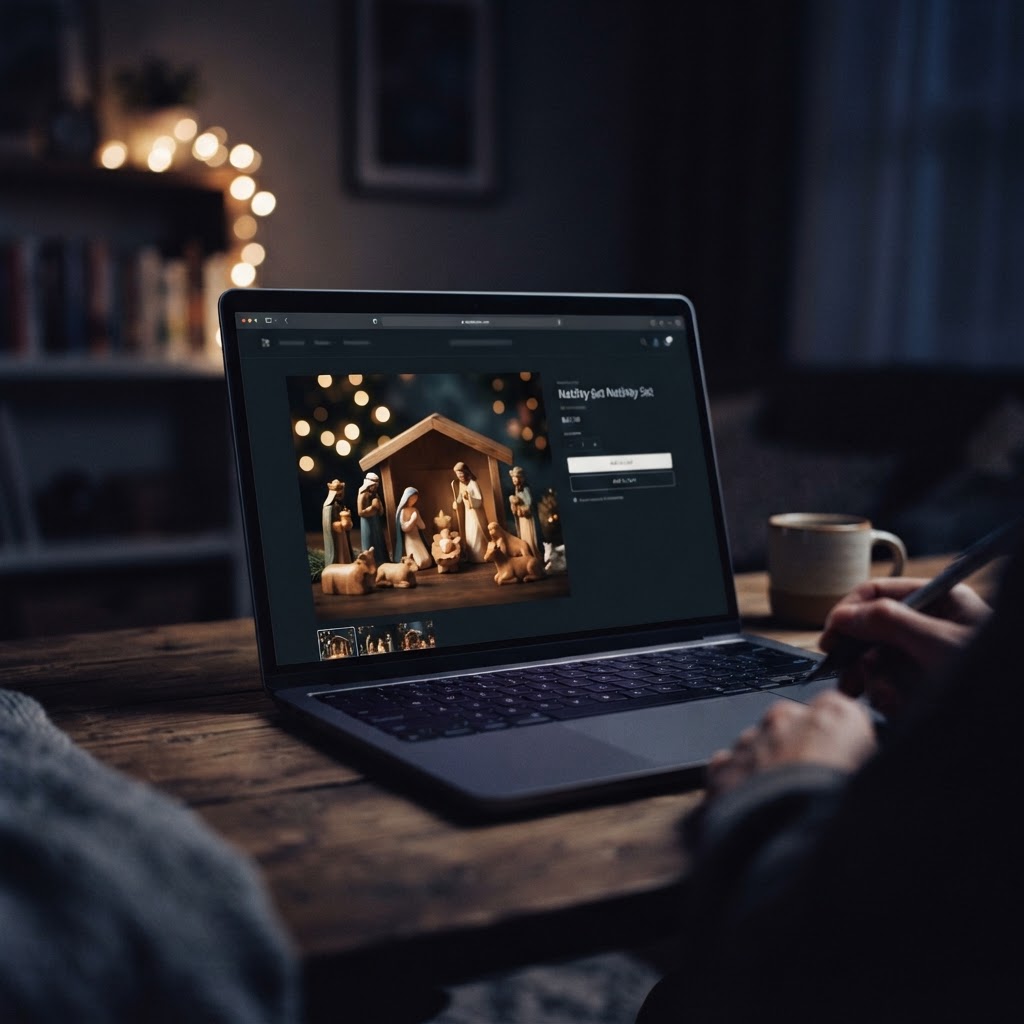
To sell a printed nativity scene, use AI to generate a cohesive set of characters in a consistent style. Upscale your images to 300 DPI for print quality, then use a print-on-demand service or local printer to produce the physical sets. Always disclose your use of AI as required by marketplaces.
Learn how to design, prepare, and sell a custom nativity scene using AI art tools. This guide covers the creative process, print-ready file preparation, and marketplace compliance for holiday sellers.
How to Build a Cohesive Nativity Collection
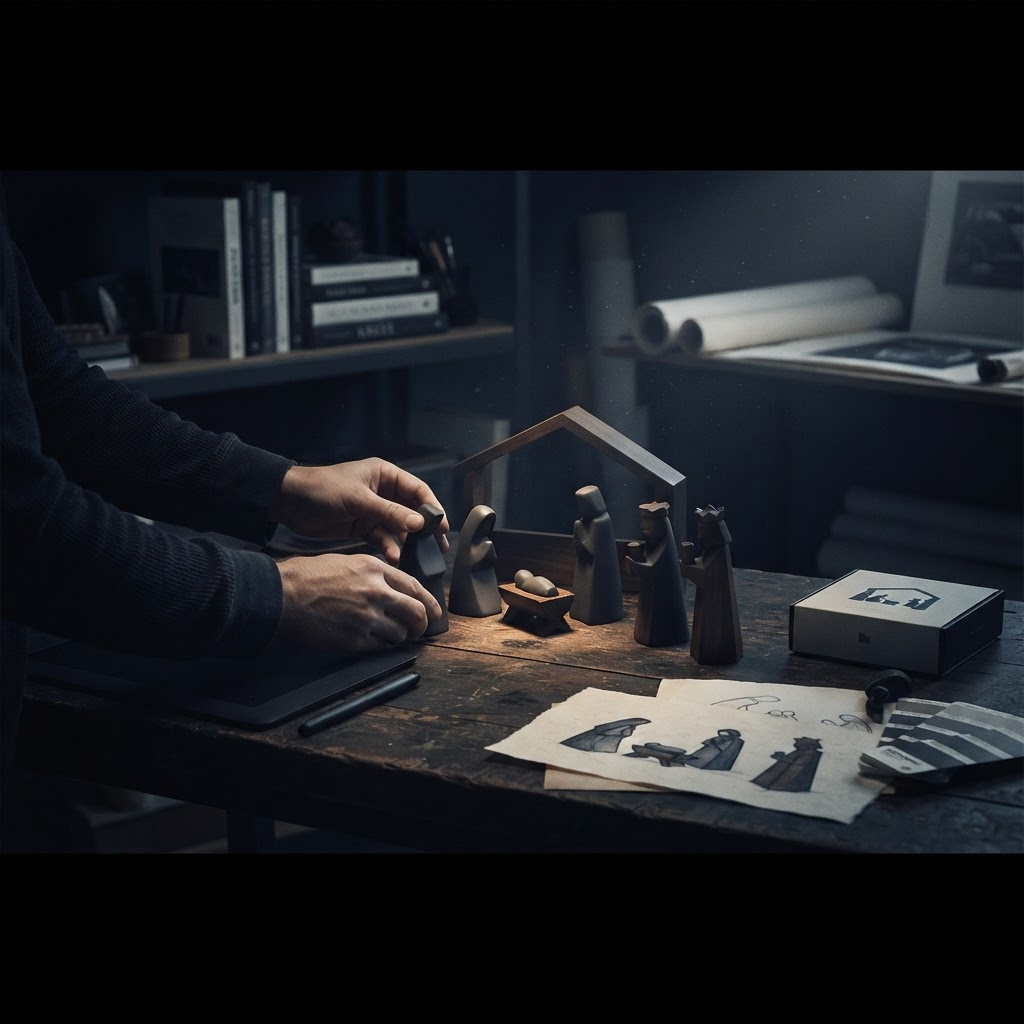
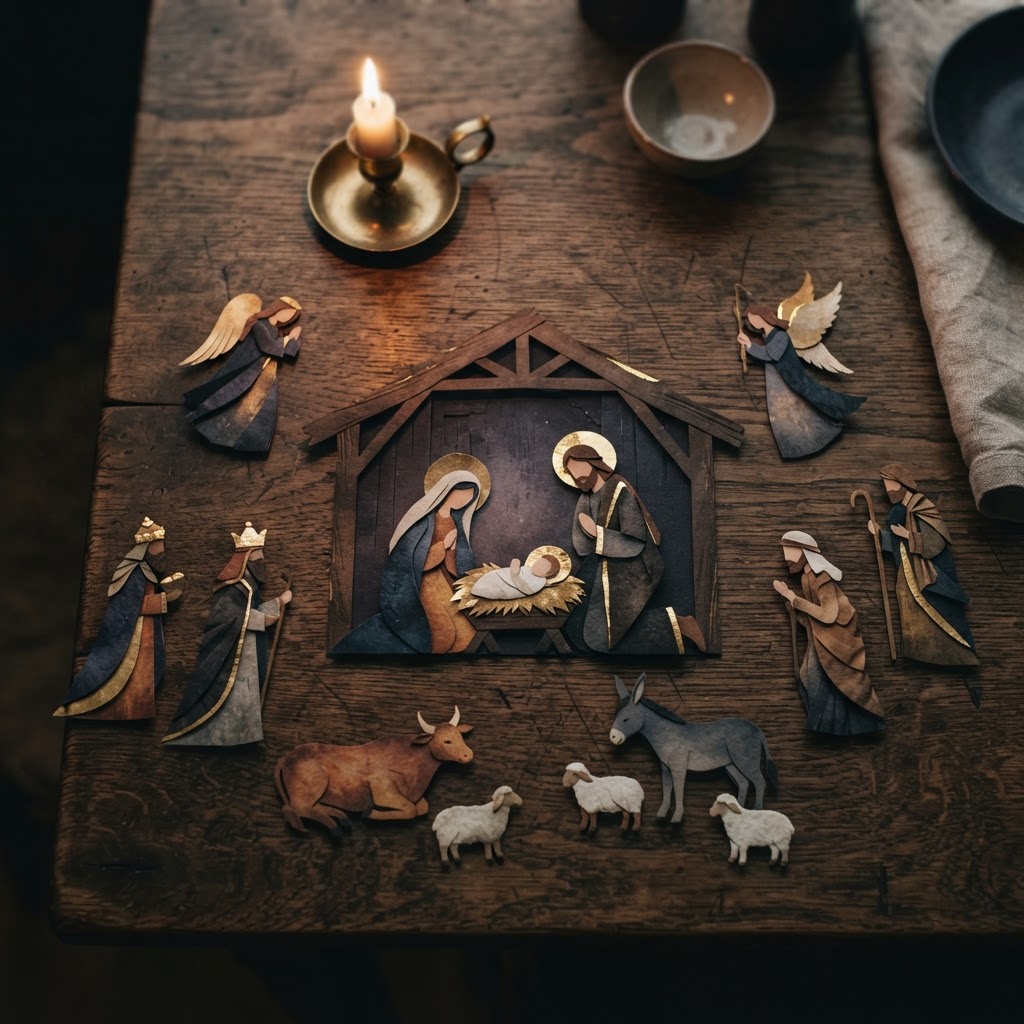
The secret to a professional nativity set is visual consistency across every character. Instead of generating random images, define a 'style anchor'—a specific set of variables like color palette, line weight, and texture—that you apply to every figure in your scene to ensure they look like they belong together.
Use tools like Nativity Playset Studio to streamline the creation of themed character sets. By keeping your variables locked, you can generate the Holy Family, shepherds, and animals while maintaining a unified aesthetic. Aim for a collection of 6 to 12 pieces to provide enough variety for a complete tabletop display.
Once you have your candidates, curate them ruthlessly. Reject any images with warped anatomy, broken hands, or inconsistent lighting. A professional product is defined by the quality of the final selection, not the volume of the initial generation.
Preparing Your Art for High-Quality Printing
Print-ready files require significantly more detail than images intended for screens. To avoid pixelation, you must ensure your files meet the 300 dots per inch (DPI) standard, which translates to roughly 2,400 by 3,000 pixels for an 8x10 inch print.
Use dedicated upscaling tools to increase your resolution to 4K or higher before finalizing your files. After upscaling, inspect your images at 100% zoom. Look closely at edges, text, and fine details, as artifacts that are invisible on a phone screen will become glaringly obvious once printed on paper or cardstock.
Finally, consider the physical format of your nativity. If you are creating a paper craft set, ensure your designs have clear, generous margins for cutting. If you are using a print-on-demand partner, use their specific templates to ensure your artwork aligns perfectly with their production requirements.
Navigating Marketplace Rules and Sales
Selling AI-assisted products requires transparency and adherence to platform policies. Major marketplaces like Etsy require you to disclose the use of AI in your listing descriptions, categorizing your work as 'designed by' the seller while acknowledging the AI tools used in the process.
Before you launch, order a physical sample of your nativity set. Never skip this step; seeing the colors and paper quality in person is the only way to guarantee your customers receive what they expect. If you are using a print-on-demand service, ensure you have properly linked your production partner in your shop settings to remain compliant with platform transparency standards.
Focus your marketing on the 'set' aspect of your product. Buyers are looking for a complete, ready-to-display holiday solution. By providing a cohesive, high-quality, and honestly described product, you build the trust necessary to turn seasonal shoppers into repeat customers.
Nativity Production Checklist
- Define a consistent visual style anchor
- Generate character set with uniform palette
- Upscale all assets to 300 DPI
- Verify print margins and cut lines
- Order a physical sample for quality check
- Disclose AI usage on product listings