Which AI Tool Can Help Me Turn My Simple Video Clips Into a Professional Media Kit?
Stop manually formatting your assets and start using AI to build a cohesive, brand-ready media package in minutes.
For most creators and small business owners, Canva is the best AI tool to transform raw video clips into a professional media kit. Its integrated Brand Kit feature automatically applies your logos, fonts, and colors to video templates, ensuring your content remains consistent, polished, and ready for professional distribution.
Transforming raw video into a professional media kit is best achieved using Canva, which leverages AI-driven brand kits to maintain visual consistency. For those needing deep dialogue-based editing, Descript serves as a powerful runner-up for professional-grade workflows.
Why You Need a Centralized Brand Kit
A professional media kit is more than just a collection of video files; it is a curated representation of your brand identity. When you rely on manual editing, you risk inconsistent color grading, mismatched fonts, and logos that appear in different sizes across your assets. Using an AI-powered tool to centralize these elements ensures that every clip you produce feels like part of a unified professional package.
By using a tool like Canva, you define your brand identity once. The AI then acts as a guardrail, automatically applying your specific color palette, typography, and logo placement to every video template you select. This eliminates the guesswork and ensures that whether you are sending a promo video to a partner or posting a clip to social media, your brand presence remains authoritative and recognizable.
Moving beyond basic editing means shifting your focus from individual clips to the overall brand experience. When your media kit is consistent, you build trust with your audience and potential collaborators. AI tools allow you to maintain this high standard of quality without needing a dedicated design team or years of experience in video production.
The Best Tool for Most Creators: Canva
Canva is the most effective tool for creators who need to turn raw footage into a professional media kit quickly. Its primary strength lies in the Brand Kit feature, which serves as the foundation for all your video projects. Once you upload your assets, the AI helps you drag and drop them into pre-designed, professional templates that are already optimized for various platforms.
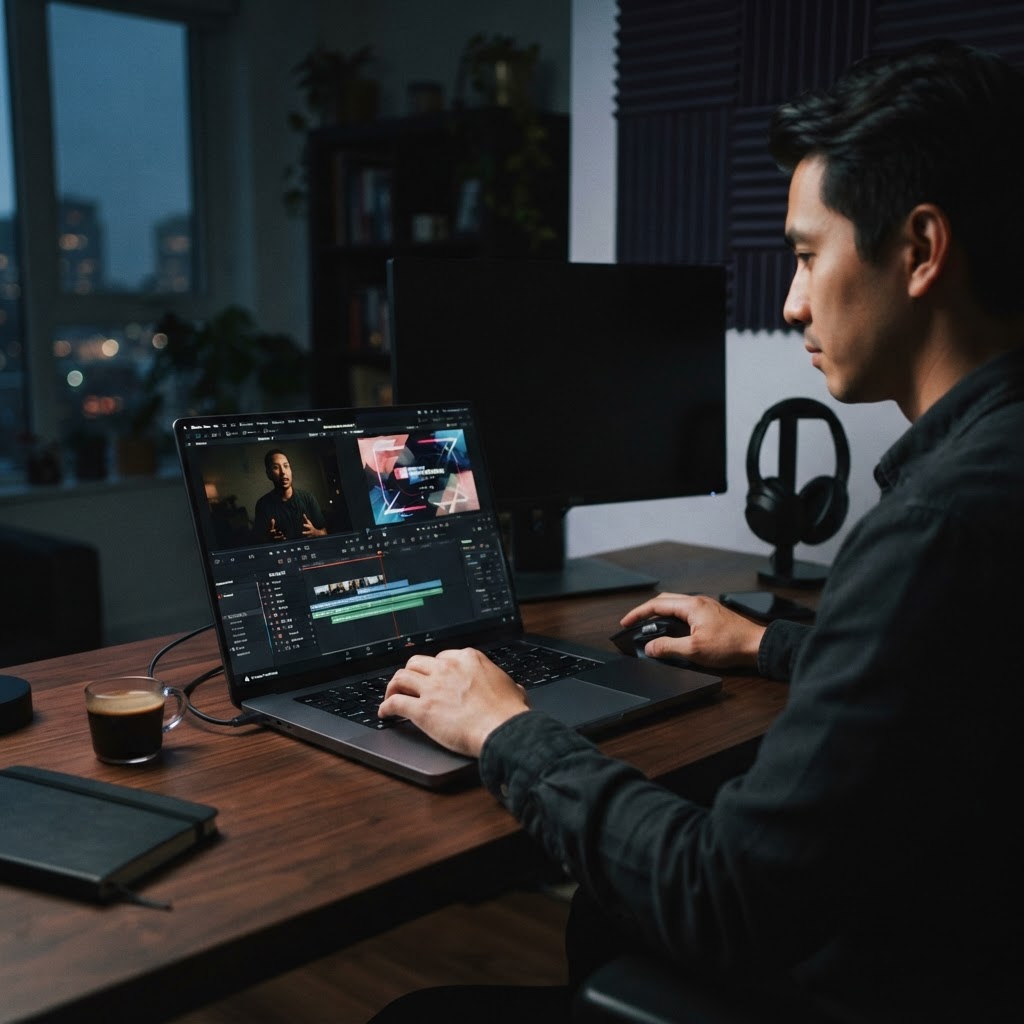
For small business owners and solo sellers, the workflow is straightforward. You start by selecting a video template that fits your needs, then use the AI-driven editor to swap in your clips. The system automatically adjusts your brand elements to fit the new layout, saving you from the tedious task of manual resizing or font matching. This allows you to produce a high volume of branded content without sacrificing quality.
Beyond simple editing, Canva offers extensive libraries of royalty-free music and assets that complement your own footage. Because it is designed for a broad audience, you do not need technical expertise to navigate the interface. It is the most reliable way to ensure your media kit looks like it was produced by a professional agency, even if you are working alone.
The Runner-Up: Descript for Dialogue-Heavy Content
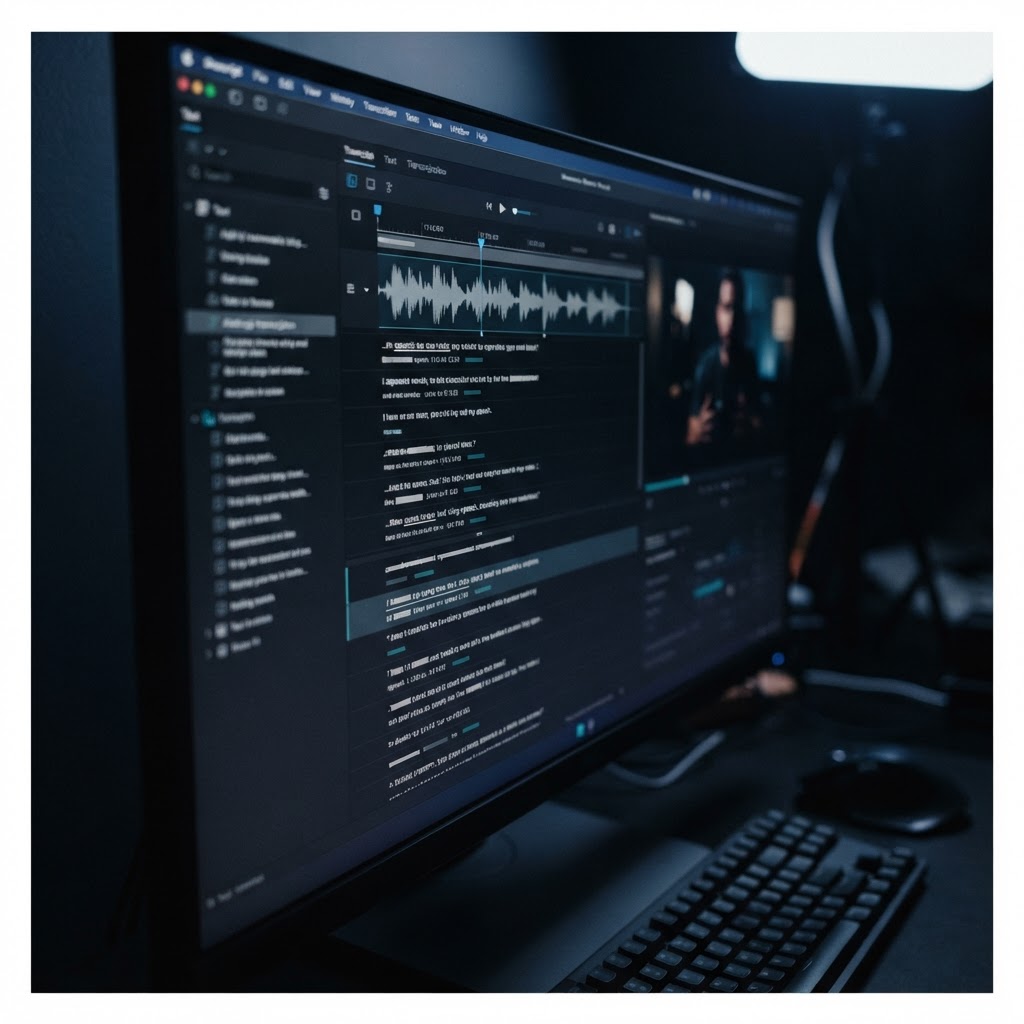
If your media kit relies heavily on interviews, tutorials, or talking-head videos, Descript is the superior choice. While Canva excels at visual layout and branding, Descript treats video editing like a text document, allowing you to cut and rearrange your footage by editing the transcript. This is invaluable for creators who need to extract the most impactful soundbites for their media kits.
Descript’s AI capabilities go beyond simple cuts. It includes features for filler word removal and studio-quality sound enhancement, which are essential for making raw recordings sound professional. If your media kit needs to highlight your expertise through spoken word, the ability to edit the transcript and have the video follow suit is a massive time-saver that keeps your message clear and concise.
While it may not have the same breadth of visual design templates as Canva, Descript is unmatched for narrative-driven content. It is the ideal runner-up for those who prioritize the quality of their audio and the flow of their message. By combining Descript for the edit and a design tool for the final packaging, you can create a comprehensive media kit that is both visually and aurally professional.
How to Get Started This Week
To build your media kit, start by auditing your existing video assets and identifying the core clips that best represent your brand. Once you have your raw material, choose your primary tool based on your content type. If you are focused on visual promos and social media presence, set up your Brand Kit in Canva immediately. If you are focused on interviews or educational content, start by importing your files into Descript to clean up the audio and structure your narrative.
Next, create a standard template for your media kit. This should include a consistent intro, a branded lower-third for your name or title, and a standard outro with your contact information. By creating these as reusable templates, you ensure that every new video you produce can be added to your media kit with minimal effort. This modular approach is how you scale your content production without burning out.
Finally, commit to a consistent export format. Whether you are sharing your media kit via a link or a downloadable folder, ensure your files are named clearly and organized by category. By spending a few hours this week setting up these systems, you will transform your workflow from a chaotic collection of files into a professional, ready-to-use media package that you can share with confidence.
Media Kit Tool Evaluation Matrix
- Brand Kit Integration: Does it store logos, fonts, and colors?
- Template Variety: Are there professional layouts for media kits?
- Ease of Use: Can a non-designer achieve professional results?
- Export Options: Does it support multiple social and web formats?
- AI Assistance: Does it automate resizing and layout adjustments?