Use Fliki AI to turn your written scripts into high-quality narrated videos instantly. By replacing manual recording sessions with advanced text-to-speech technology, you can produce professional content, update lines without re-recording entire clips, and reach international audiences in dozens of languages—all without spending a single dollar on a voice actor.
The silent cost of your current video process
You know the feeling. You have a script finished, a slide deck ready, and a clear idea of what your audience needs to hear. But then reality hits. You realize you have to clear your desk, put on your headphones, pray your neighbors stay quiet, and record yourself reading the same sentence five times because you stumbled over a single word. By the time you get the audio files into your editing software, you are already behind schedule. The process of getting from a finished thought to a published video is currently anchored by the physical act of recording, which is likely the biggest bottleneck in your day.
Most professionals handle this by either settling for low-quality audio or paying for voice talent they can barely afford. You are essentially losing hours of your life to a process that technology has already solved. It is not that you are bad at making videos; it is that you are using a manual process for a digital task. This page is about stripping away that friction.
We are going to look at how you can move from a finished script to a finished video in minutes, rather than days. We will cover why your current workflow is bleeding time, how to identify the right automation for your specific needs, and exactly how Fliki AI turns a simple text file into a polished, global-ready video. If you are tired of the recording booth and the endless retakes, you are in the right place.
Choosing Your Video Production Tool
- Prioritize tools that allow for granular, sentence-level audio editing.
- Check that the tool supports multiple languages natively for global reach.
- Ensure the platform includes a built-in library for visual assets.
- Avoid software that requires external hardware or complex studio setups.
- Look for instant preview features to verify pacing before final export.

Stop recording and start shipping.
Automate your narration and reclaim your most valuable resource—your time.
See how it worksStop recording and start creating
The days of wasting hours in a recording booth are behind you. With Fliki AI, you can produce professional, multilingual videos on a schedule that actually works for your business.
- Ship high-quality content in minutes, not days.
- Update your training and course videos instantly.
- Reach global audiences without hiring translators.
The hidden price of manual voice recording
The true cost of recording your own voice is not just the time spent reading; it is the ripple effect of exhaustion and avoidance that keeps your best content from ever reaching an audience. When you know a project requires two hours of recording and editing, you put it off until tomorrow, and then next week, and then it simply stops getting done. This is the opportunity cost of your content strategy—the projects you abandoned because the friction of production was too high.
Consider the math on a single ten-minute training module. If you spend one hour recording, one hour editing out breaths and errors, and another hour trying to match visuals to the audio, you are burning three hours of high-value time. Multiply that by a weekly cadence, and you have lost twelve hours a month. That is a full day of work every single month spent just on the mechanics of speaking into a microphone. At a modest estimate of your hourly rate, you are effectively paying hundreds of dollars per video just to avoid the modern alternative.
Then there is the issue of updates. When a piece of data changes or a feature update renders your old video obsolete, you are faced with the choice: rerecord the entire thing or leave it with wrong information. Most people choose to leave it, which degrades your authority and confuses your users. The cost here is not just the lost time; it is the decay of your brand’s relevance. Moving away from manual recording is not about getting lazy; it is about reclaiming the energy you need for the actual work of building your business.
Why traditional recording fixes consistently fail
Most professionals try to fix the recording bottleneck by purchasing better hardware, like high-end microphones or sound-dampening foam, but these are just expensive ways to keep doing the same slow task. A better microphone does not make you a better voice actor, nor does it fix the pacing issues that require twenty takes to resolve. Investing in gear for a home studio is a classic case of solving the wrong problem; you are optimizing the recording, not the output.
Others try to hire freelance voice actors to take the burden off their shoulders. While this can yield high-quality results, it introduces a permanent management layer to your workflow. You have to write briefs, manage files, provide feedback on tone, and wait for rounds of revisions. If you need to change a single digit in a pricing video, you are back to emailing a contractor and waiting for their availability. It is a slow, expensive loop that kills your ability to stay agile.
Finally, there is the temptation to simply record 'good enough' audio and accept the lack of professionalism. This usually ends in viewers clicking away because your tone is inconsistent or the room noise is distracting. You are caught in a trap where you either spend too much money, too much time, or you sacrifice your reputation. None of these options are sustainable if you want to ship content weekly. To move forward, you have to break the link between your physical presence and the creation of the video itself.
The numbers behind the problem
12 hrs
Monthly time saved
$1,200
Annual voice talent costs saved
80+
Languages supported
20 min
Production time per video

Stop recording and start shipping.
Automate your narration and reclaim your most valuable resource—your time.
Watch the 4-minute demoCriteria for choosing the right automation tool
To replace your recording process, you need a tool that treats your script as a living document rather than a fixed audio file. The most important criteria is the ability to perform surgical edits. If you have to regenerate an entire five-minute video just because you changed one sentence, you have not actually gained much speed. A tool worth using allows you to highlight a single sentence and re-render only that part, keeping the rest of your timing and visuals intact.
Next, look for voice variety and localization capability. If you ever plan to reach an audience outside of your native language, you shouldn't have to hire a new set of contractors. The tool must be able to translate your script and apply a voice that sounds natural to that specific language. If the tool forces you to translate the script separately and then re-upload it, you are adding extra steps that invite errors. The process should be a single step: paste text, choose language, click export.
Finally, consider the visual integration. Audio is only half the battle. If you have to take the generated audio and then hop into a separate video editor like Premiere or CapCut to add visuals, you are just moving the bottleneck. The ideal tool handles the alignment of visual elements—captions, stock footage, or images—in the same workspace where the narration lives. You are looking for a unified environment that lets you complete the entire cycle of production in one tab, on one screen.
How Fliki AI solves the production bottleneck
Fliki AI approaches the problem by treating your video as a structured script that guides the rendering engine. When you open the platform, you are greeted by an interface that looks more like a text editor than a complex video suite. You paste your content, and the engine immediately parses it into individual segments. Each segment is connected to a specific voiceover line, making the content modular from the very start.
This modularity is the core of your new efficiency. When you find a mistake or want to update a piece of information, you simply click on the specific text block, edit the words, and re-generate. The rest of the video remains exactly as it was, perfectly timed and visually consistent. You are no longer re-recording; you are updating. This is the difference between working in a studio and working on a document.
Because the tool is cloud-native, it also pulls in visual assets based on the content of your script. It suggests images and video clips that align with your narration, which you can swap out with a single click. By the time you finish your first session, you will realize that you have compressed a four-hour recording and editing block into about twenty minutes of drafting. You aren't just saving time; you are changing how you think about your projects, moving from a mindset of 'production as a chore' to 'content as an asset you can update on command'.
Ship content at the speed of thought
Stop letting your best ideas sit in text format just because you do not have the time to record a professional narration. Fliki AI turns your written drafts into polished audio in the time it takes to grab a coffee.
- Generate natural narration in 80+ languages
- Update individual lines without re-recording clips
- Maintain a consistent brand voice across all content
What you actually get, feature by feature
Granular Segment Editing
Edit or regenerate single sentences to update content without needing a full re-record session.
Global Language Support
Instantly expand your reach by converting your existing scripts into over eighty different languages.
Integrated Media Library
Access thousands of professional visuals and stock clips directly within the video editor interface.
Natural Speech Synthesis
Use sophisticated AI voices that mimic human cadence, tone, and pacing for genuine delivery.
One-Click Visual Sync
Automatically align your selected media clips with the narrator's timing to save hours of editing.
Cloud-Based Project Management
Keep all your video assets in one location, accessible from any device whenever you need updates.
What your Tuesday looks like after you switch
You will start by pasting a draft into Fliki, hitting generate, and having a polished audio file ready in three minutes. Instead of spending your afternoon in a quiet room with a microphone, you are now spending that same time outlining your next three topics or replying to clients. By the time Friday arrives, you have pushed out your weekly content without ever once having to clear your throat, fix your posture, or re-record a botched take. You are moving from a creator who is always behind schedule to one who is finally ahead of the queue because the friction of production has simply vanished. You will find that the time you used to spend fighting with audio software is now spent on strategy, research, or actually taking the rest of your evening off. This is the difference between working harder to produce content and working smarter to automate the mechanical parts of your output.
Addressing the three reasons people hesitate
You might worry that the voice sounds robotic, that the learning curve is too steep, or that the monthly cost is just another bill on your pile. Let us be clear: the voices today are far beyond the monotone machines of five years ago, and if a specific pronunciation sounds off, you change it in seconds without re-recording the entire clip. As for the software, if you can copy, paste, and click a button to preview, you have already mastered the core of this tool. The price of the subscription is significantly lower than the cost of a single professional voice actor or the equipment needed to build a home studio. Every dollar you spend here is a direct replacement for time you are currently losing. If you calculate the value of your own hourly rate, this tool pays for itself within the first hour of usage every single month.

Stop recording and start shipping.
Automate your narration and reclaim your most valuable resource—your time.
Start your first projectThe hidden bill of staying where you are
If you wait six more months, you will have lost roughly two hundred hours to manual recording and editing tasks that do not move the needle for your business. That is twenty-five full work days spent staring at a microphone, hoping for a clean take while your actual goals gather dust in a folder on your desktop. The real cost is not the monthly subscription fee, but the opportunity cost of the high-value projects you could not finish because you were busy being your own sound engineer. Every week you delay is another week you fall behind competitors who are already using automation to keep their voice in the market. By next year, the gap between you and those using these tools will not just be about efficiency, it will be about who has the volume of content required to stay relevant in a crowded space.
Why the decision is simpler than you think
Choosing this tool is not about adopting a new hobby, it is about reclaiming the hours you have been giving away to manual labor. You have seen exactly how the process works, you know what it costs to do nothing, and you understand that the technical hurdle is virtually non-existent. You are faced with a choice between the familiar frustration of recording sessions or a system that handles the heavy lifting while you focus on the quality of your ideas. You do not need a degree in media production to ship professional audio; you just need to stop doing the work that machines can do better. The smart move is to offload the repetitive production work right now and see for yourself how much faster your projects move when you are no longer the one behind the microphone.
What this actually looks like
Straight talk: the pros and the cons
What you get
- Instant conversion of text to lifelike, natural-sounding audio.
- Granular editing lets you regenerate only the lines that change.
- Access to hundreds of diverse voices in over 80 languages.
- Integrated visual media library eliminates the need for stock footage hunts.
- Zero requirement for expensive recording hardware or acoustic room treatment.
Worth knowing
- Limited control over extreme emotional inflections compared to human actors.
- Visual library may occasionally lack highly specific niche industry imagery.
- Requires a reliable internet connection to access cloud-based rendering.
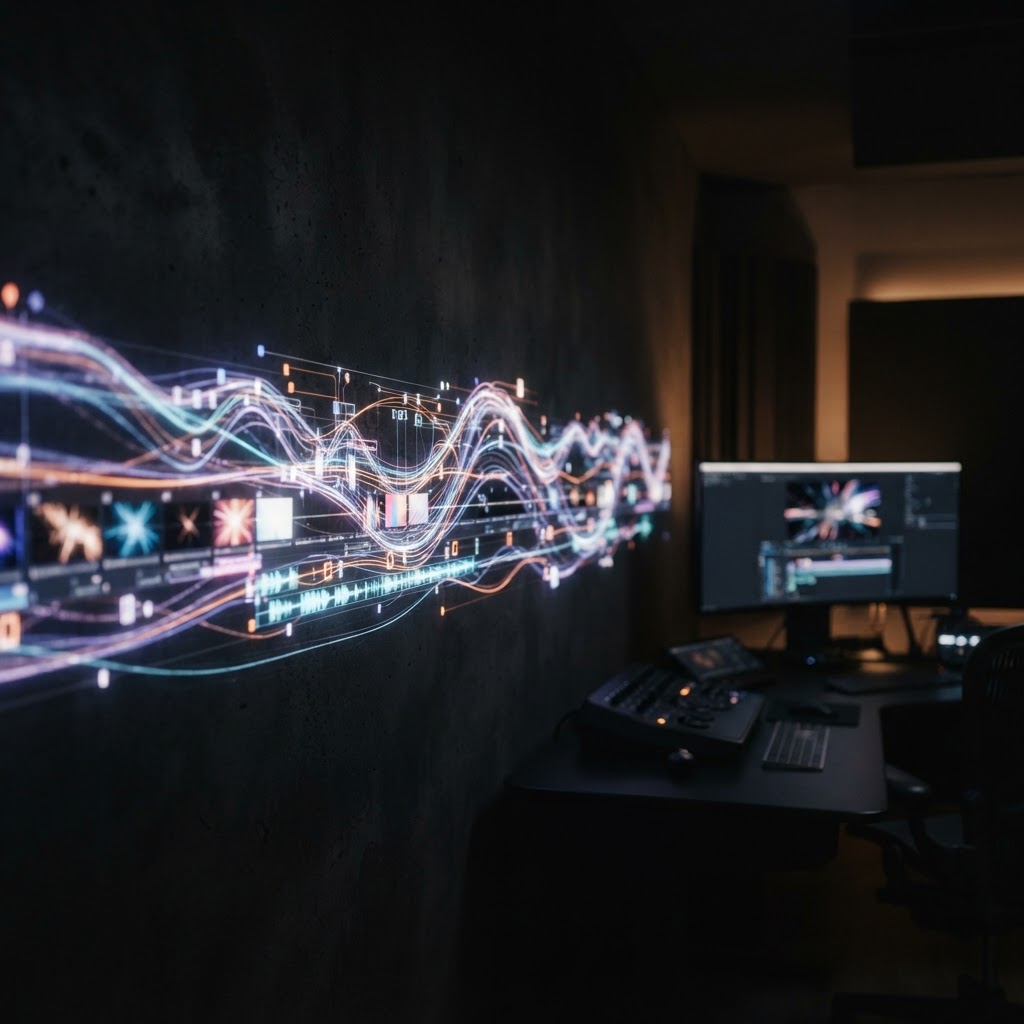
Kill the booth, keep the quality
Professional production does not require a thousand dollars in audio gear or a rented studio space. Reclaim your office and your schedule by automating the most time-consuming part of your video workflow.
- No microphones or audio editing software required
- Create studio-grade clips from any quiet space
- Focus on your script, let the software handle the sound
How it works, step by step
- 1
Step 1
Paste your script
Enter your finished text directly into the Fliki editor to begin the structure process.
- 2
Step 2
Select your voice
Choose from hundreds of lifelike, high-quality voices to match your brand's tone.
- 3
Step 3
Auto-sync visuals
Allow the engine to pull in relevant images and clips that align with your script segments.
- 4
Step 4
Edit and refine
Adjust individual lines or swap media clips instantly without re-rendering the full video.
- 5
Step 5
Export and ship
Download your polished video in high resolution, ready for your audience immediately.
Your roadmap: what the first 30 days look like
- 1
Day 1
Start your first project
Log in and convert your first text draft into a finished narration in under five minutes.
- 2
Week 1
Build your workflow
Establish a habit of pushing all your planned content through the tool to see your backlog clear.
- 3
Week 2
Scale your output
Experiment with different languages and voices to reach new audiences without hiring a translator.
- 4
Month 1
Analyze the impact
Observe how much extra time you have reclaimed for high-level strategy and creative planning.
- 5
Month 3
Achieve full automation
Your content production process is now entirely hands-off, allowing for constant, consistent growth.
Take back your time starting this afternoon
You have spent enough time wondering how to scale your output without burning yourself out on the technical process of recording. The path forward is to stop treating video production like a performance and start treating it like a process you can manage from your keyboard. Open the tool, drop in a script you wrote weeks ago, and watch the software handle the narration while you look at your calendar and realize how much breathing room you just created. If you do this today, you will be done with your next project before dinner, rather than dreading the setup and the retakes. Staying where you are is a decision to keep losing hours and opportunities to a task that can be finished in minutes. Click below to begin your first project, and stop the cycle of manual recording for good. The results will be waiting for you in your browser the moment you finish your first export.
Stop recording and start shipping.
Automate your narration and reclaim your most valuable resource—your time.
Get Fliki AI nowAffiliate disclosure: the links on this page are affiliate links. If you buy through them we may earn a commission at no extra cost to you. It never changes what we recommend.