How Can I Turn My Idea for a Webinar Into a Finished Video Presentation?
Stop spending weeks on slide design and scripts by letting AI handle the production process from your initial pitch.
Stop building slides from scratch. Use AI to generate a structured outline and slide deck from your brief, then use a dedicated AI presenter tool to convert that content into a polished video. This workflow replaces manual scriptwriting and recording with a streamlined process of directing, fact-checking, and final editing.
This guide teaches you how to use AI to move from a rough webinar idea to a finished video presentation. By focusing on structured outlines and AI-assisted generation, you can eliminate manual design work and produce professional content in a fraction of the time.
Why You Should Stop Designing Slides by Hand
The most common failure point in webinar production is starting with slide design before you have a clear story. When you open a blank presentation file, you often focus on layouts and colors rather than the logic of your message. This leads to a disjointed presentation that fails to convert attendees because the narrative lacks a clear, logical spine.
AI tools change this by forcing you to start with a structured brief. By inputting your target audience, their pain points, and your desired outcome, you can generate a logical flow that guides the viewer from a problem to a solution. This shifts your role from a designer to a director, allowing you to focus on the quality of the content rather than the mechanics of slide creation.
Using AI to generate your initial deck skeleton saves hours of manual labor. Tools like Gamma or 2Slides can produce a 30-slide deck in under 90 seconds based on a specific prompt. This draft provides the structure you need, leaving you to spend your time on the high-value tasks: refining the examples, verifying the data, and perfecting your call to action.
How to Build Your Webinar Structure with AI
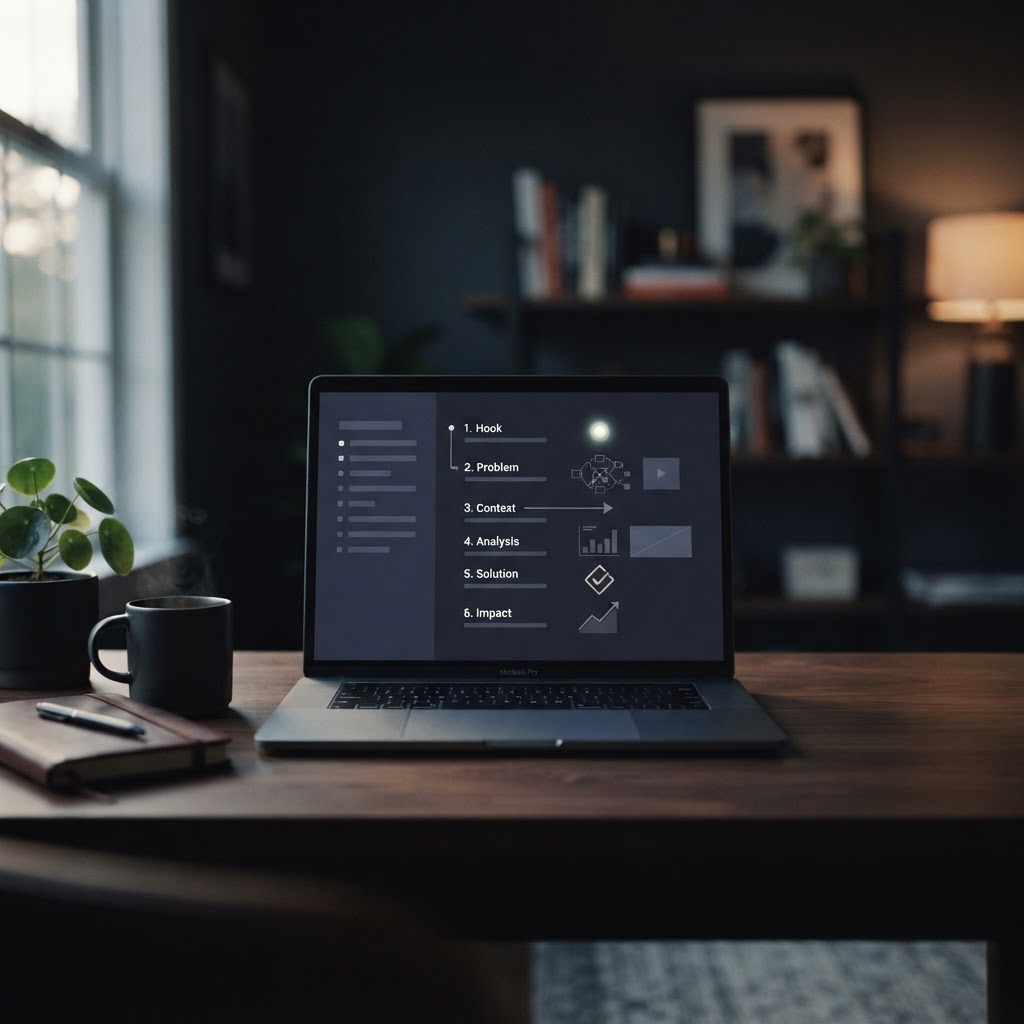
A successful webinar requires a specific arc: a hook, a problem narrative, a solution framework, a demonstration, and a clear call to action. You should never ask an AI to create a full deck from a vague topic; instead, provide a detailed prompt that includes your host credibility, the specific audience, and the exact structure you want to follow.
When you use a tool like Everpitch or similar AI generators, treat the output as a fast first pass. The AI is excellent at drafting the opening hook and the recap slides, but it cannot replicate your unique product demonstration or your specific customer case studies. You must manually script the demo section to ensure it aligns with your actual product experience.
Once the AI generates the deck, your primary job is the editing pass. This is where you catch factual errors, remove generic corporate jargon, and ensure the tone sounds like a real person. Read your script aloud to check for pacing; if a slide feels like it lingers too long or flashes by too quickly, adjust the timing before you finalize the video.
Turning Your Deck Into a Finished Video
Once your slides are polished, you have two paths to a finished video: recording yourself or using an AI presenter. If you choose to record, use tools like Riverside to clean up your audio, remove filler words, and add professional overlays. This approach keeps your personal charisma at the forefront while automating the tedious parts of video editing.
Alternatively, if you prefer not to be on camera, you can use an AI webinar presenter platform. These tools allow you to select a synthetic avatar and voice to deliver your presentation. Unlike simple video avatar tools, these platforms are designed to host the entire event, including registration, live-feeling chat, and in-event offers. This is ideal for creators who want to scale their reach without the need for a studio setup.
Regardless of the method, remember that the video is only one part of the event. You need to ensure your registration page, email reminders, and follow-up sequences are ready. A finished video presentation is only effective if it is part of a complete system that guides the attendee from the initial invitation to the final call to action.
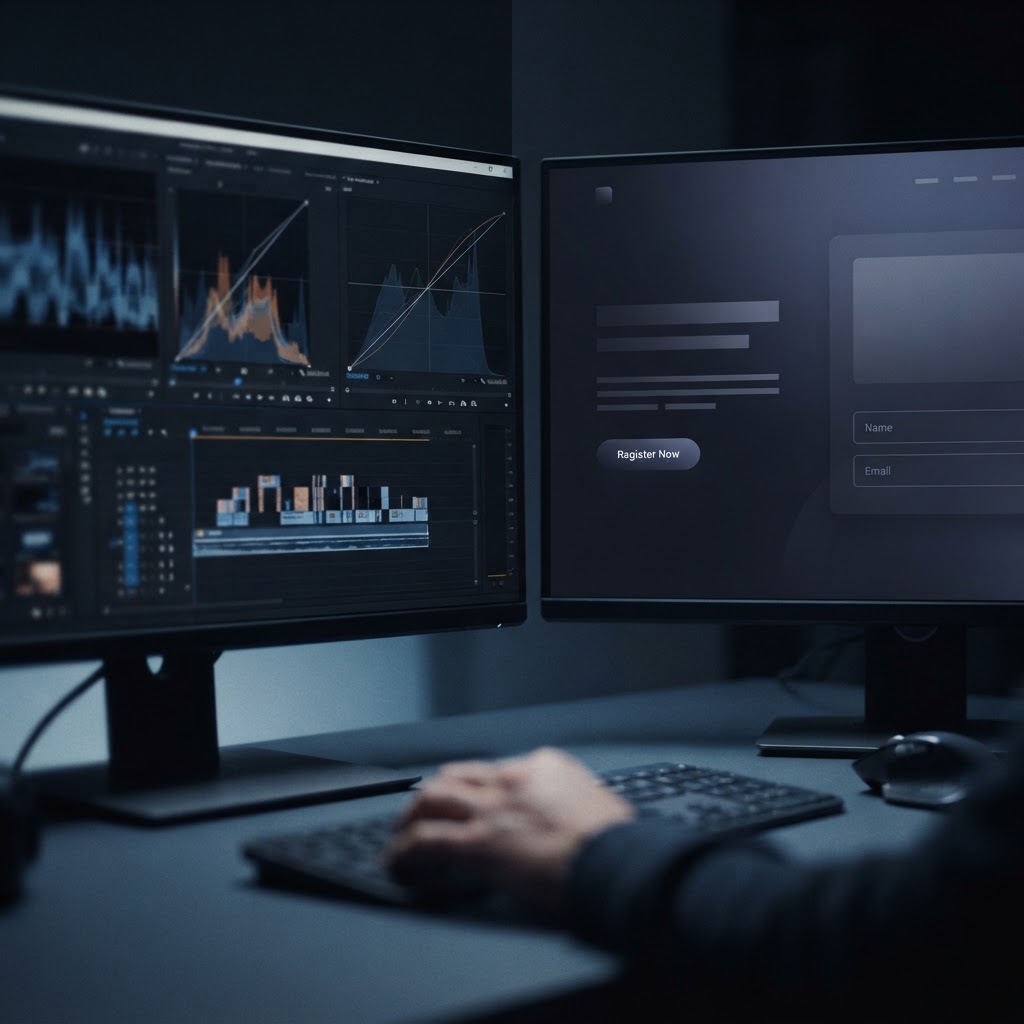
AI Webinar Production Workflow
- Define the audience promise and desired outcome first
- Generate a structured outline using a prompt template
- Create the slide deck using an AI presentation generator
- Manually script and record the product demonstration section
- Review and edit for factual accuracy and brand tone
- Publish as a live-feeling event or on-demand video