How Does AI Video Editing Change Your Home Movies? 7 Surprising Facts
Discover how machine learning is turning raw footage into cinema-quality shorts in seconds.
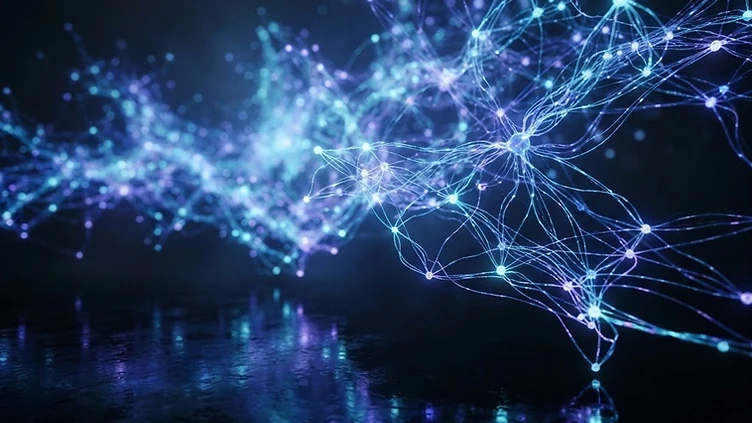
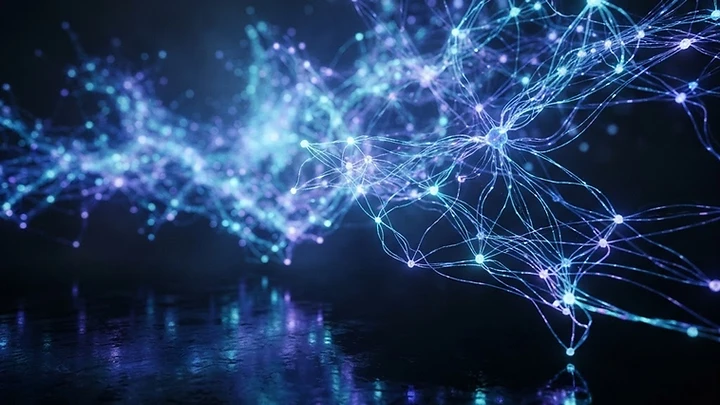
AI video editing works by training neural networks to recognize spatial objects, movement vectors, and aesthetic framing principles. Systems like Adobe Firefly Video and Runway Gen-3 analyze your clips to automatically color grade, stabilize shaky camera work, and identify the most compelling narrative moments, effectively acting as an intelligent digital editor.

BlueFX
Premium video templates & effects for creators
If this trivia made you curious about BlueFX, it is in the Nexus AI Catalog.
Get BlueFXThe Science of Automatic Scene Detection
AI simplifies video editing by automatically breaking long, unorganized raw files into individual, meaningful clips. By analyzing pixel variance between frames, models like those integrated into modern editing suites can instantly detect a cut or a shift in the environment, allowing you to bypass hours of manual scrubbing.
This process relies on optical flow algorithms that track how objects move within the frame. Once the AI identifies the start and end of an action, it suggests where to trim, turning a massive dump of data into a structured timeline that creators can easily manipulate.
How AI Mimics Cinematic Color Grading
AI color grading functions by comparing your raw footage against databases of professionally graded cinematic films. When you use tools like BlueFX to enhance your projects, the underlying AI interprets the contrast and saturation profiles of high-budget film sets and applies those mathematical transforms to your home videos.
It is not just about filters; it is about semantic awareness. The AI recognizes that 'skin tones' require different treatment than 'a cloudy sky' or 'grass,' preventing the muddy, oversaturated look often associated with simple automated adjustments. The result is a balanced, professional aesthetic that respects the original lighting conditions of your capture.

Intelligent Stabilization and Reframing
AI improves shaky footage by predicting the path of the camera and creating a smoothed, artificial 'virtual gimbal' effect. By analyzing the trajectory of stationary objects in the frame, the software warps the edges of the video in real-time, effectively cancelling out the jerky motion of a handheld smartphone.
Beyond stabilization, AI can now perform 'smart cropping.' If you shot a video in landscape but need it for social media, the AI identifies the center of focus—such as a speaker's face—and intelligently crops the frame to keep that subject in view throughout the entire duration of the clip.


The Future of Generative B-Roll
Generative AI is changing video editing by allowing creators to insert realistic B-roll footage that was never actually filmed. If your video is missing a specific transition or atmosphere, newer models can synthesize consistent background elements that match the lighting and texture of your primary source material.
This does not replace your vision; it fills the gaps that budget or time constraints often impose. By leveraging these generative capabilities alongside professional templates from services like BlueFX, you can maintain a high production standard regardless of the limitations of your original shooting environment, creating a cohesive final product that feels intentional and well-produced.

Quick-fire facts
- AI can process 60 frames per second to ensure fluid motion tracking.
- Early automatic color grading relied on basic histogram matching.
- Modern AI editors can identify faces to ensure exposure consistency.
- Machine learning models are trained on millions of hours of professional footage.
- Semantic segmentation allows AI to blur backgrounds without a physical lens.
- Editing software now uses neural engines to render effects in real-time.
90%
Average reduction in manual scene-cutting time
4K
Resolution supported by most AI-enhanced editing workflows
2026
Year AI-based stylistic transfer became industry standard